Talking About WPS Office Portable: Putting an Office Suite on a USB Drive
Install the entire office suite onto a USB drive, plug it into any computer, and process documents just like you would on your own PC—WPS Office Portable is exactly that kind of portable office solution.For users who frequently travel, need to use public computers, or prefer not to install software on every device, it offers a highly flexible solution.
In short, WPS Office Portable can be understood as the “portable version” of WPS. This program requires no installation; simply extract it and run it directly.

What is WPS Office Portable?
WPS Office Portable is essentially a portable office software application.Unlike traditional installers, it does not write numerous registry entries to your system or leave installation files lingering on your computer.
Users simply need to store the program files on their mobile devices, such as:
- USB flash drive
- External hard drive
- Cloud storage sync folder
When you need to use it, simply turn on the device and run the program to start editing documents.After closing the software and disconnecting the device, virtually no traces of its use remain on the computer.
Core Features of WPS Office Portable
Despite being a portable version, WPS Office Portable retains most of its core office functionality.
Plug-and-play office experience
When traveling for business or needing to use someone else’s computer, simply insert the USB drive and launch the program to instantly open and edit your documents.When you leave, simply unplug the device. It won’t leave any personal files or cached data on the computer.
This method is particularly ideal for:
- Frequent business travelers
- IT technician
- Students who regularly use library or computer lab computers
Compatibility with mainstream office file formats
WPS Office Portable also supports mainstream office document formats, such as:
- doc / .docx (Word documents)
- .xls / .xlsx (Excel spreadsheets)
- .ppt / .pptx (PPT presentations)
- PDF file viewing and basic editing
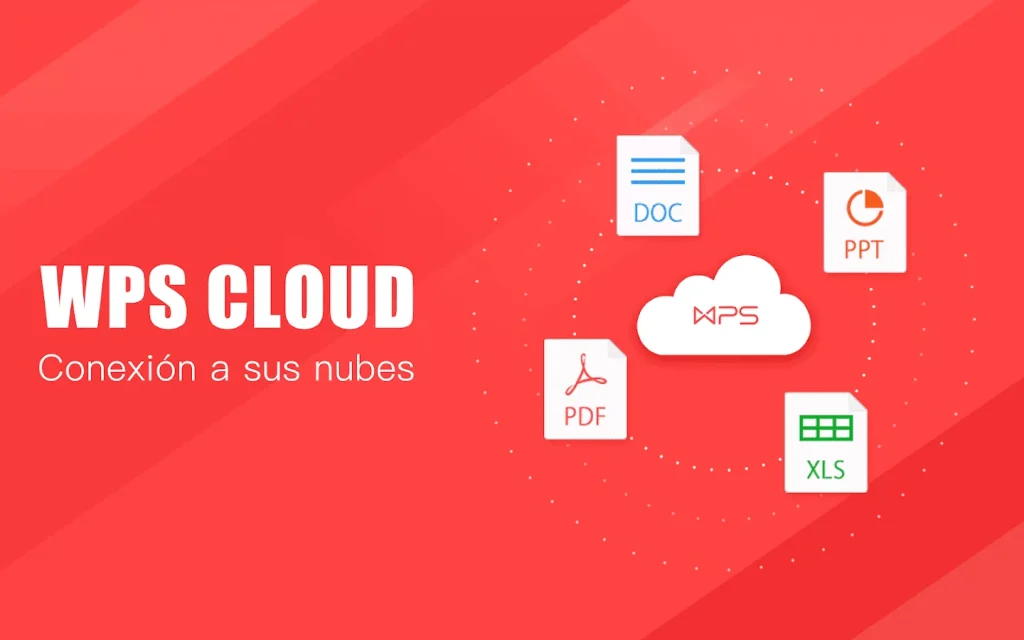
Cloud-based file synchronization capability
Even when the program runs from a USB drive, you can still log in to your WPS account.
After logging in, you can:
- Access WPS Cloud Documents
- Back up files from your USB drive to the cloud
- Continue editing the same document across different devices
How to Use WPS Office Portable
Using WPS Office Portable is very simple and typically only requires a few steps.
- Download the software package
- Extract to USB drive
- Run the program directly
WPS Office Portable vs The Installed Version
- Portability
The biggest advantage of the Portable version is that it can be carried on a USB drive and used on any computer with plug-and-play functionality.The installation version requires separate installation on each computer; switching to a different device means starting over from scratch.
- Impact on Computer Systems
The Portable version makes minimal changes to system settings. When finished, simply unplug the USB drive—it leaves virtually no trace on your computer.The installation version writes registry information to the system and installs related components, which may slow down your computer over time.
- Functional integrity.
This is the main limitation of the portable version. To achieve a lightweight, installation-free design, certain features requiring deep system integration may be simplified. The installer version offers the most comprehensive functionality, with all official features operating as intended.
Frequently Asked Questions
Does WPS Office Portable support Mac computers?
Not typically supported. Mac users need to use the official WPS for Mac installer.
Free Version vs Paid Versionvs?
The core editing features are free. The free version allows normal document editing but displays advertisements. Advanced features (such as PDF format conversion and bulk template downloads) require a subscription membership. Membership benefits will be synchronized with your account.
Is it safe to store files on a USB drive?
Many users who use portable software may also ask: is WPS Office safe to use? In general, it is relatively safe, but note the following two points: First, there is a risk of physical loss of the USB drive. It is recommended to encrypt important files or back them up to the cloud; second, ensure that download sources are reliable to avoid malware.
Summary
Overall, WPS Office Portable offers a more flexible way to use office software. It requires no installation, places no additional burden on your computer system, yet can still handle most everyday office tasks.